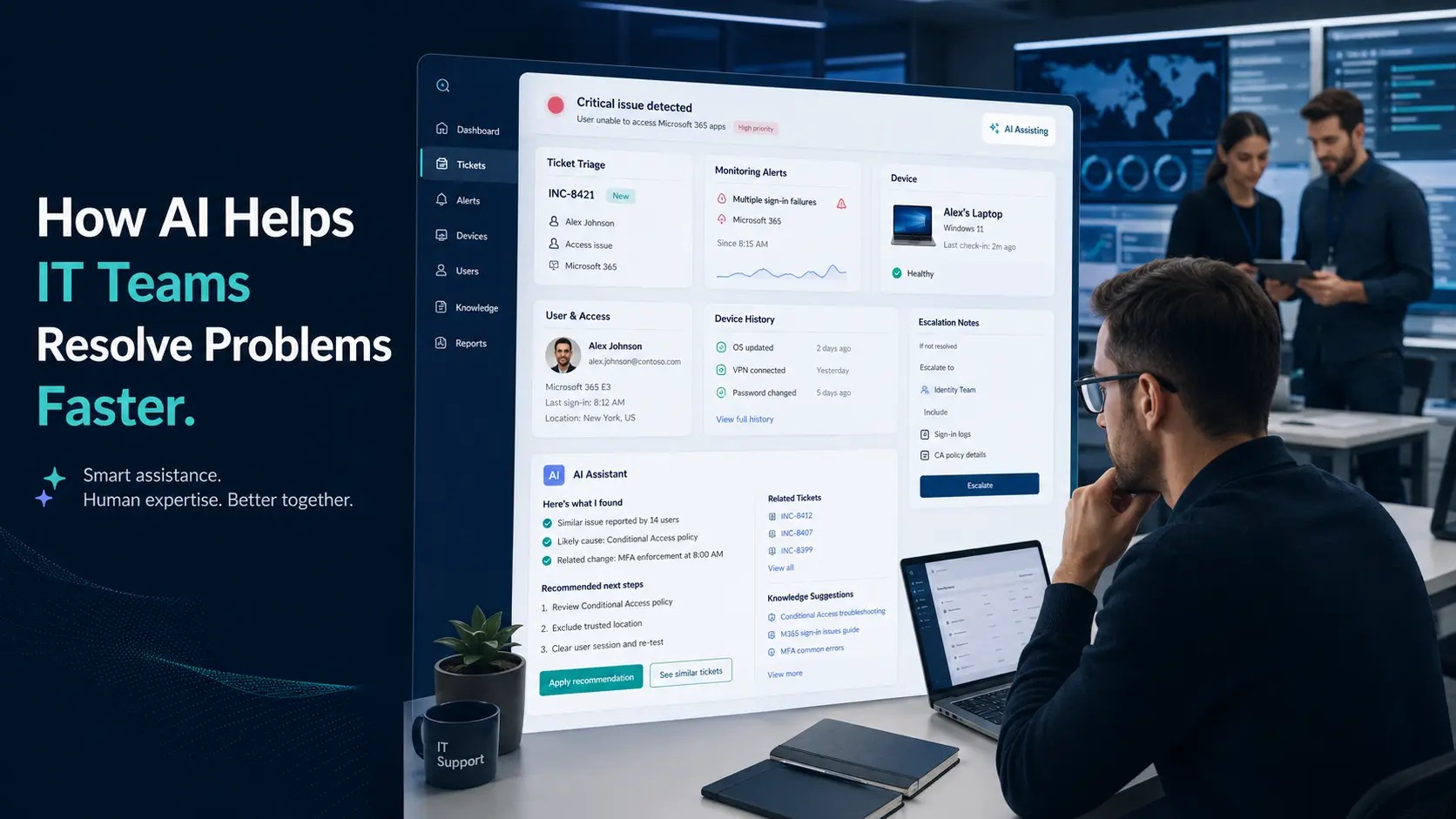
An employee submits an urgent ticket because a laptop will not start. A deadline is close, the team is waiting, and the first investigation finds the problem is a loose charger. Elsewhere, a Microsoft 365 access issue turns out to be a permissions change no one documented. Neither case belongs in a science-fiction film, but both show why support teams need faster access to context.
A capable managed IT service provider does more than close tickets. It connects the ticket to device history, monitoring signals, known patterns, prior resolutions, and business impact. AI can help organize that evidence so engineers spend less time hunting for clues and more time solving the right problem.
In my work leading IT services at CRES Technology, I have seen that the useful role for AI is assistance, not autopilot. Engineers still validate recommendations, make judgment calls, communicate with users, and own the outcome. AI simply helps them arrive at the decision with a clearer map.
What Role Does AI Play in IT Problem Resolution?
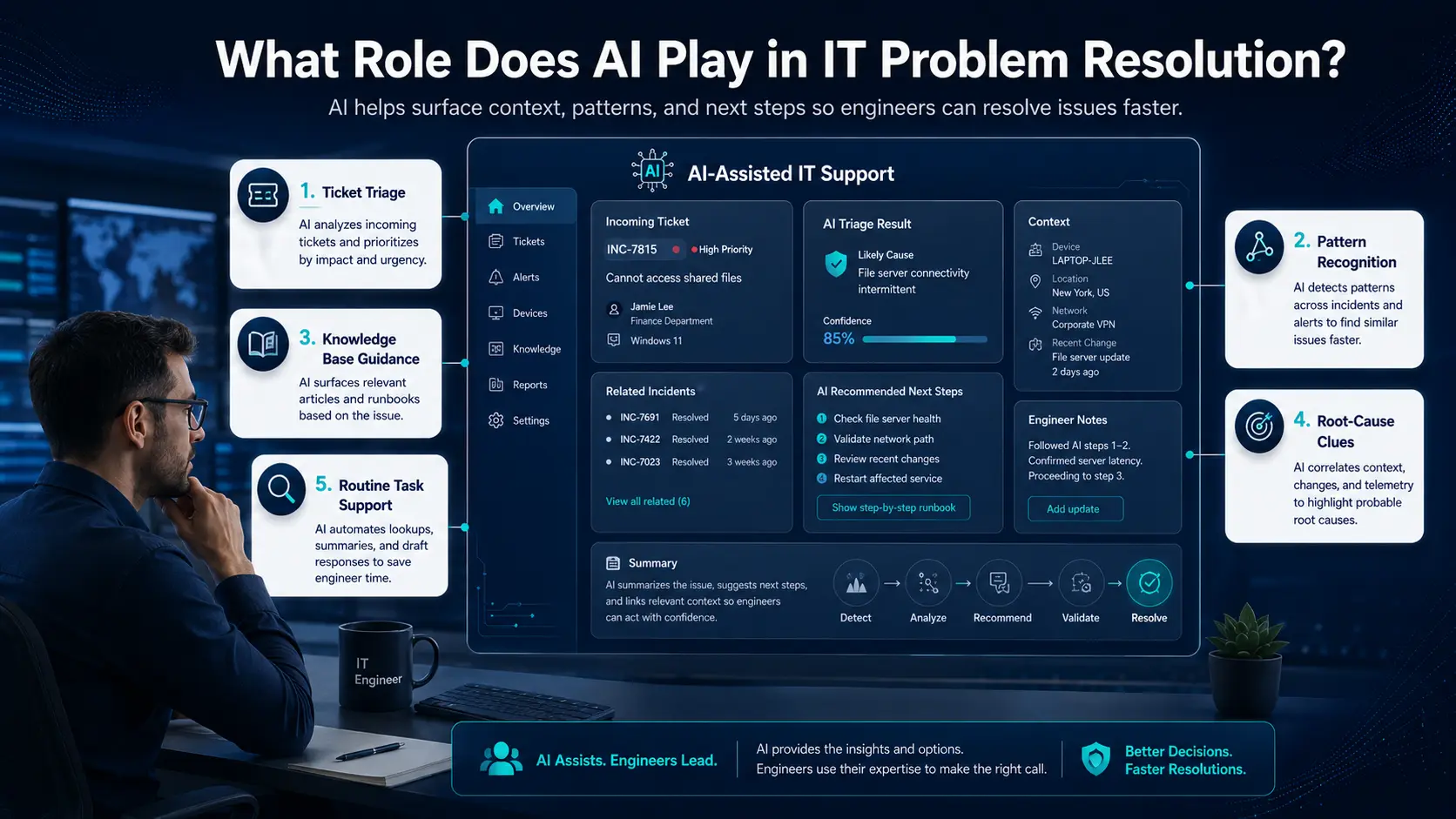
AI works best as an assistance layer within a structured support operation. It can surface useful context earlier, reduce repetitive investigation, and help the right engineer begin with a stronger picture of the issue.
- Ticket triage: AI can help categorize incoming requests, assess urgency, and route them to the appropriate support path. A hardware fault may need desktop support, while an access issue may need Microsoft 365 support.
- Pattern recognition: AI can highlight repeated issues across devices, applications, users, or locations, such as an update followed by a cluster of login failures.
- Knowledge guidance: AI-assisted tools can suggest documented troubleshooting steps and previous resolutions for an engineer to review.
- Root-cause clues: Related tickets, alerts, device history, and recent configuration changes can be brought together sooner.
- Routine task support: Summaries and repetitive checks can be accelerated so engineers can focus on complex technical work and user communication.
The result is not a robot helpdesk. It is a better-prepared human helpdesk.
How Does AI Improve Efficiency Without Replacing Engineers?
The strongest model is human-AI collaboration. AI can organize information; engineers understand consequences. That distinction matters when a request affects a deadline, a client commitment, privileged access, or a security-sensitive system.
- Better first response: Engineers can start with clearer ticket details, affected systems, user context, and suggested next steps.
- Faster escalation: A concise history of prior attempts and impact signals helps senior engineers get oriented quickly.
- More consistent resolution: Documented procedures can be suggested for review, reducing variation in how common issues are handled.
- Less repeated disruption: Recurring patterns can point the team toward a root cause instead of another temporary fix.
Think of AI as the colleague who arrives at the troubleshooting huddle with the ticket history, device facts, and related alerts already organized. The engineer still decides what they mean and what to do next.
What Are the Limits of AI in IT Support?
AI is only as useful as the information and operating discipline around it. Missing asset records, vague tickets, outdated documentation, or noisy monitoring can produce weak recommendations. AI may also miss the business context an experienced engineer recognizes immediately.
- Incomplete data: Missing logs or inaccurate records can point an investigation in the wrong direction.
- Limited business context: A system may not understand why one user’s issue is routine while another’s affects a critical client deliverable.
- False positives: Poorly configured tools can create more noise rather than better decisions.
- Security-sensitive work: Access changes, unusual sign-ins, data exposure, and privileged actions require careful human review and established cybersecurity practices.
- No guarantees: AI should never be presented as a guarantee of uptime, security, or issue resolution.
Responsible use also requires governance. The NIST AI Risk Management Framework offers a useful reference for managing AI-related risk without treating every tool or use case the same.
What Are the Key Benefits of AI for IT Teams?
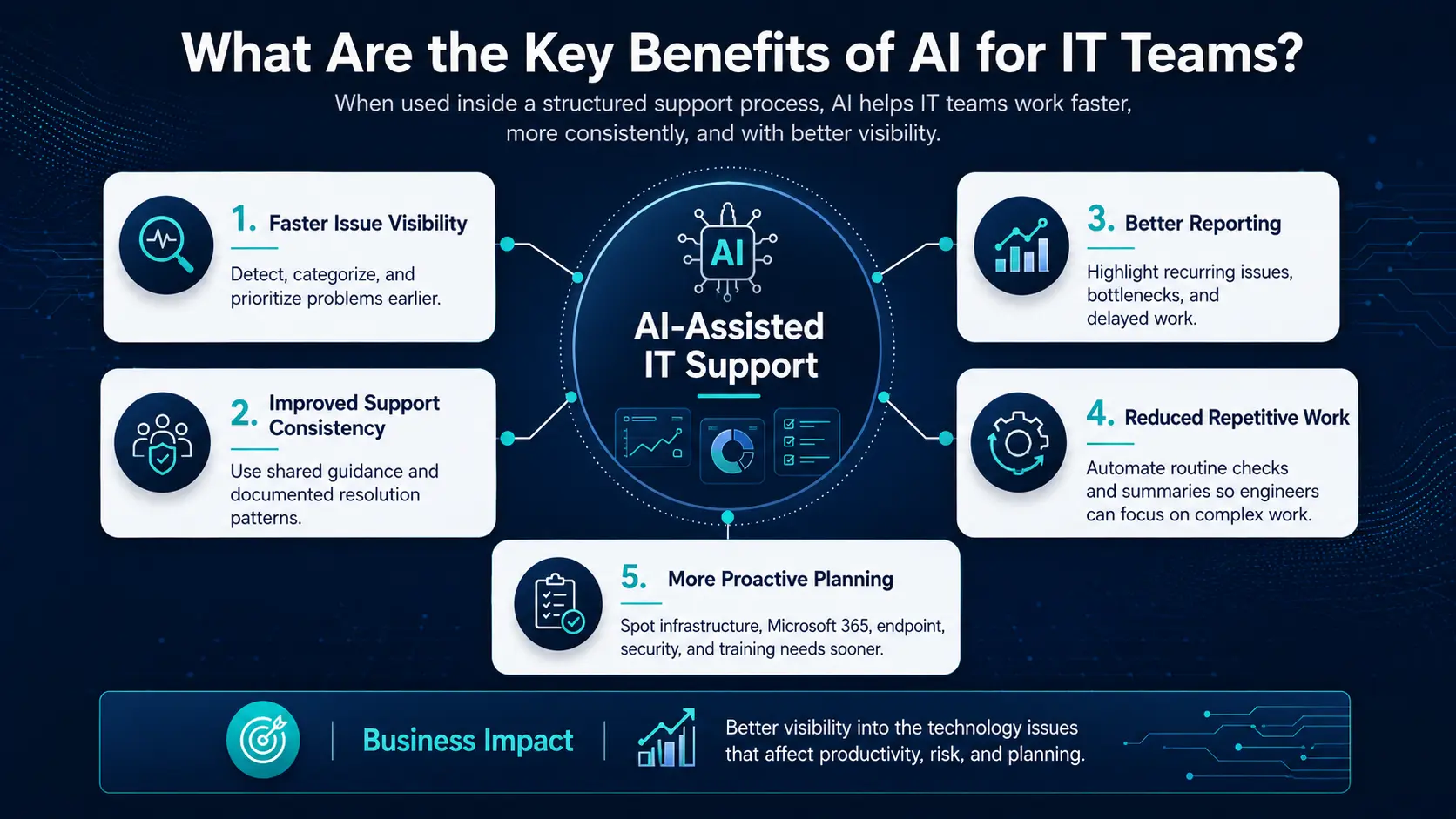
When AI is integrated into clear workflows, managed IT support services can make recurring information easier to find, summarize, and act on.
- Faster issue visibility: Monitoring and ticket data can be categorized and prioritized earlier.
- Improved consistency: Shared guidance and documented patterns help common issues receive a dependable response.
- Better reporting: Summaries can reveal recurring issues, high-volume categories, delayed work, and support bottlenecks.
- Reduced repetitive work: Engineers can spend more time on complex technical work and less time rebuilding basic context.
- More proactive planning: Patterns can reveal infrastructure, Microsoft 365, endpoint, security, or training needs before they grow into larger problems.
For business leaders, the benefit is not simply a shorter time-to-close number. It is a clearer view of the technology issues affecting productivity, risk, and planning.
How Should Small Businesses Evaluate AI-Assisted IT Support?
Organizations comparing managed IT services for small business should ask how AI fits into the provider’s operating model, not merely whether the provider uses AI.
- Ask where AI is used: Look for concrete answers about triage, documentation, knowledge guidance, monitoring, reporting, and escalation.
- Confirm human oversight: Engineers should review recommendations before acting on complex, security-sensitive, or business-critical issues.
- Look for clear workflows: Intake, prioritization, ownership, escalation, documentation, and reporting should be defined.
- Check service breadth: Determine whether the provider can support Microsoft 365, endpoints, cybersecurity operations, infrastructure, backup readiness, and onsite coordination when needed.
- Reject unrealistic promises: Claims that AI can replace engineers or guarantee outcomes are warning signs.
Where CRES Technology Fits
CRES Technology helps businesses manage, support, secure, and improve their IT environments through managed IT services, Microsoft 365 support, cybersecurity services, infrastructure services, Virtual CIO guidance, onsite support, and staff augmentation.
Our approach combines structured support processes, documented troubleshooting patterns, remote monitoring and management tools, Microsoft 365 administration, cybersecurity discipline, reporting, and human-reviewed AI-assisted recommendations. AI can organize patterns and suggest next steps, but experienced engineers validate the information, communicate with users, and handle complex or high-impact issues.
Better Context, Faster Decisions
AI can help IT teams resolve problems faster by improving triage, context, pattern recognition, knowledge guidance, and escalation. It should not replace engineers. Human expertise remains essential for judgment, communication, security-sensitive work, and long-term improvement.
The practical goal is not fewer experts. It is giving those experts better context, sooner. For organizations evaluating a managed IT service provider, that combination of structured operations, responsible AI assistance, and accountable people is what turns a clever tool into dependable support.